You will receive an order confirmation email to your chosen notification email address.
Alternatively, you can follow the steps below:
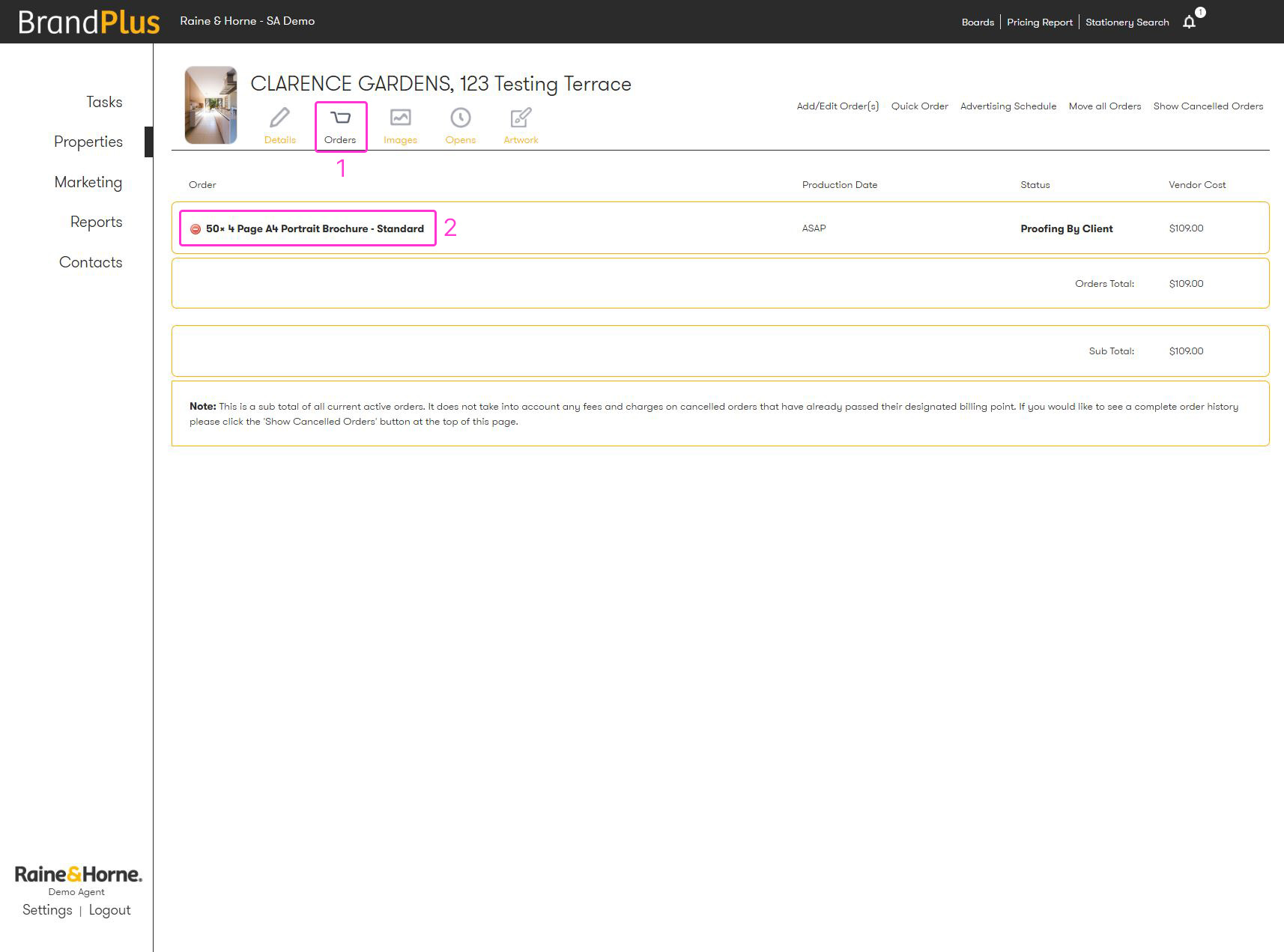
1. Navigate to your 'Orders' tab
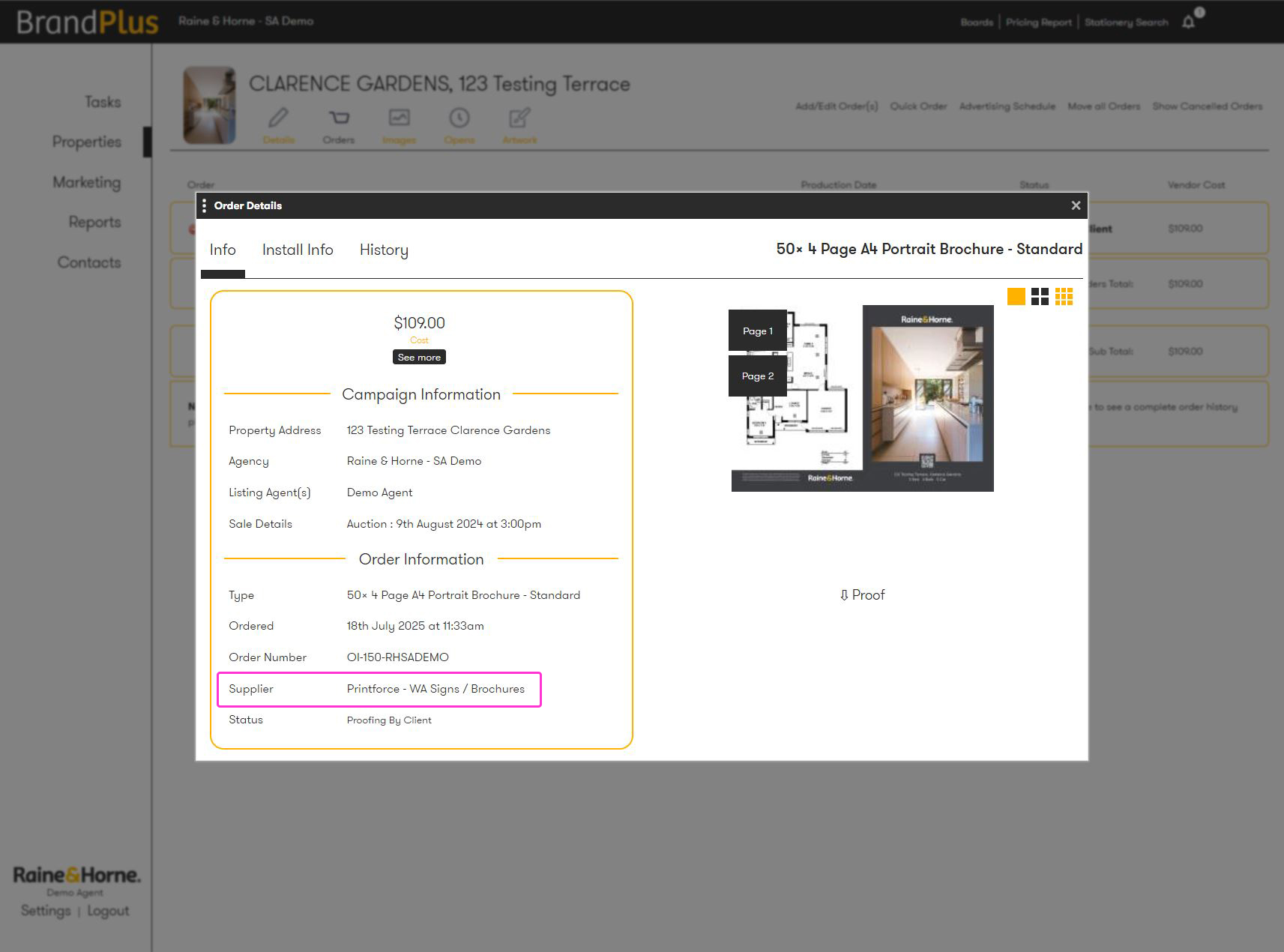
2. Click the item, a pop-up will appear
3. This pop up will include all details including the supplier, order number, time it was added to cart and its status
Was this article helpful?
That’s Great!
Thank you for your feedback
Sorry! We couldn't be helpful
Thank you for your feedback
Feedback sent
We appreciate your effort and will try to fix the article