If you've added a product to your cart but it's not appearing under the 'Artwork' tab, it's likely because you haven't clicked 'Confirm' in your cart. For products to move to the 'Artwork' stage, you always need to click the green 'Confirm' button on the right-hand side of your cart.
To fix this now, simply follow these steps:
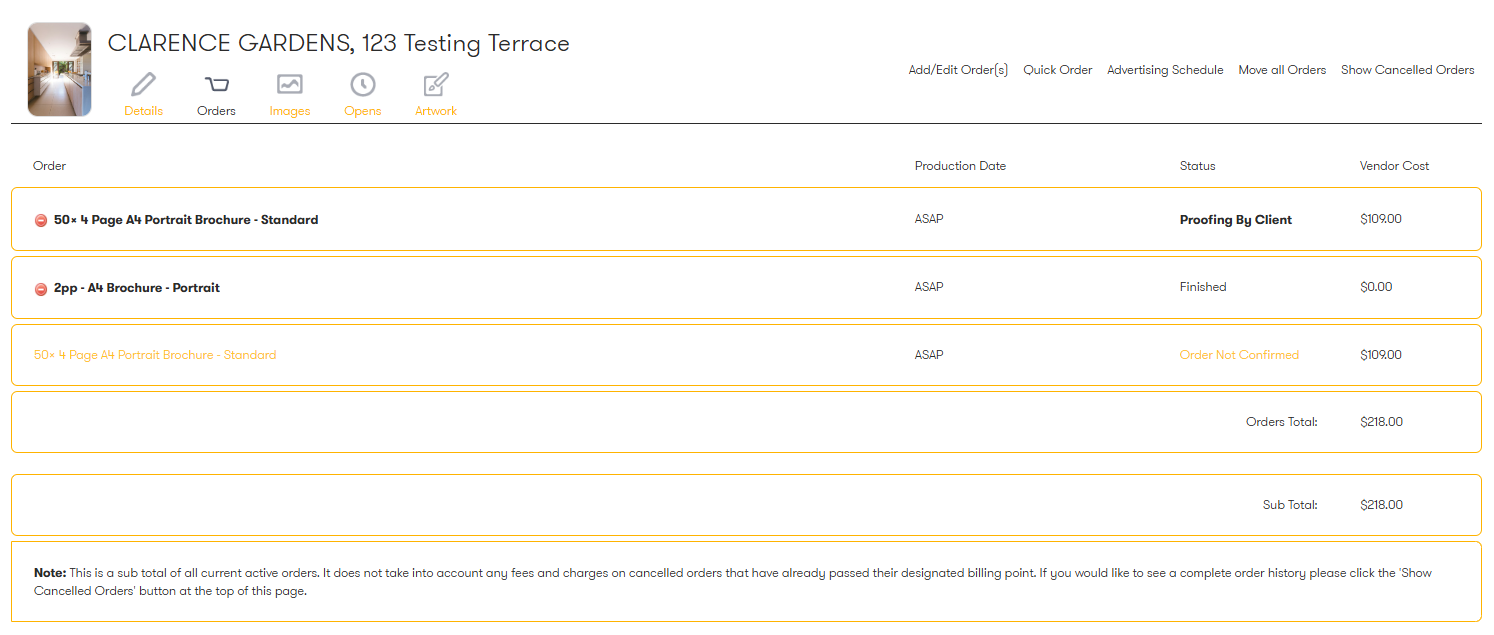
- Click 'Orders'. You'll see your product listed in gold with the status 'Order not confirmed' (example below)
- Click 'Add/Edit Orders'.
- Then, click the green 'Confirm' button in your cart on the right-hand side.
Was this article helpful?
That’s Great!
Thank you for your feedback
Sorry! We couldn't be helpful
Thank you for your feedback
Feedback sent
We appreciate your effort and will try to fix the article